
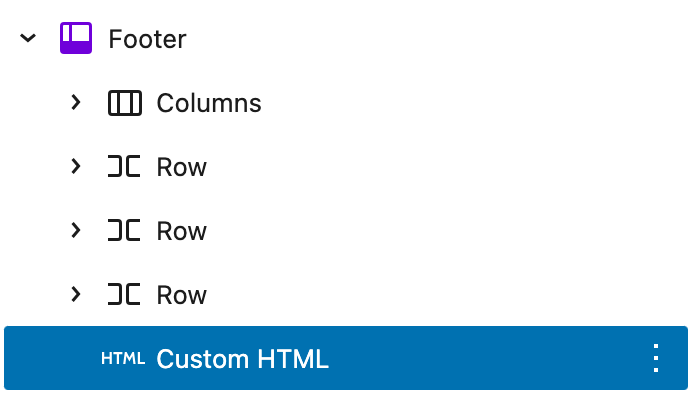
Adding this feature is good UX and quite easy to do in WordPress.
Just cut and paste this code into an HTML block preferably in the footer pattern.
<!-- Back to Top Button -->
<div id="backToTop" style="display: none; position: fixed; bottom: 85px; left: 18px; z-index: 1000;">
    <button style="padding: 10px 15px; background-color: #000; color: #fff; border: none; border-radius: 5px; cursor: pointer;">↑ Back to Top</button>
</div>

<script>
    document.addEventListener('DOMContentLoaded', function () {
        const backToTop = document.getElementById('backToTop');

        // Show/hide button after 300px scroll
        window.addEventListener('scroll', function () {
            if (window.scrollY > 300) {
                backToTop.style.display = 'block';
            } else {
                backToTop.style.display = 'none';
            }
        });

        // Smooth scroll to top
        backToTop.addEventListener('click', function () {
            window.scrollTo({
                top: 0,
                behavior: 'smooth'
            });
        });
    });
</script>
and you will get a scroll to top button like the one on this website